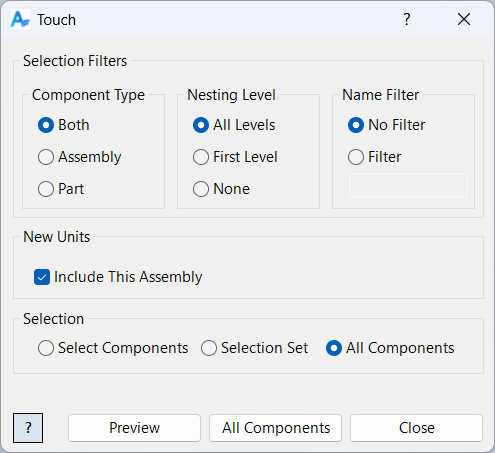
Component Touch
Overview
Component Touch is a command that marks selected components, and optionally the current assembly, as requiring a save before closing. This is done by "touching" the file, which sets its save status to invalid. Touch is useful for forcing Inventor to recognize changes, trigger save prompts, or update file status for batch operations and version control.
Touch can be applied to individual components or the entire assembly, making it a flexible tool for managing file states and ensuring that changes are not missed before closing or archiving your project.
Samples
Sample files are located in C:\ProgramData\Autodesk\ApplicationPlugins\ArpaFlow.AssemblyTools.Core.Bundle\Samples. See Samples Summary
In the sample below, Touch is executed on all distinct components across all nesting levels within the assembly. Once completed, each affected file will require a save.